
Rebuilding a Regional Panel Show Around Four Cameras and One Mixer
Marcus runs a weekly panel programme from a converted hall. This is how we chose his cameras, prompter and vision mixer, and what changed once the first live show was on air.
6 minutes to read
A hall, a panel and a tight first deadline
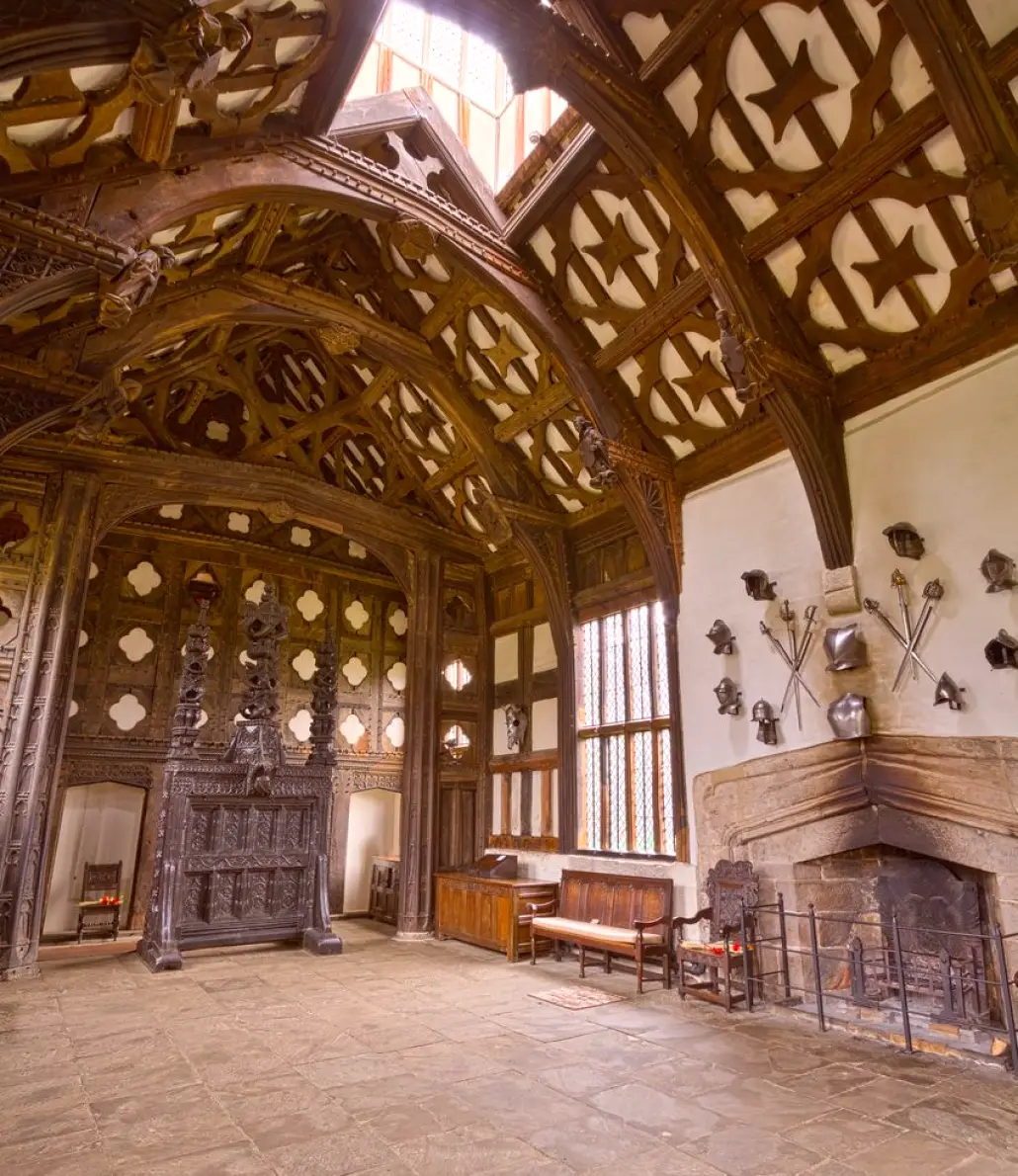
Marcus came to us in early autumn with a clear picture of what he wanted to broadcast and a rather vaguer one of how to get there. He produces a weekly panel programme for a community channel, recorded in a converted parish hall with a low stage, hard floors and a fixed seating area for a small audience. His old arrangement was two borrowed camcorders and a laptop switcher that froze whenever a guest raised their voice.
He had a launch date for a new season and a modest budget agreed with his board. What he lacked was someone to tell him which parts of a vision system matter on air and which can wait. I took the first call and visited the hall the following week with a tape measure, a notebook and no sales deck, because the room had to set the answers before any catalogue did.
Choosing cameras for a room that was never built for television
The hall dictated most of the decisions. The ceiling was low enough that tall pedestals would have crowded the panel, and the audience seating left only two practical corridors for camera movement. We settled on four studio cameras: two on pedestals at the front corners, one fixed wide shot from the back, and one on a robotic head mounted at the side to catch reaction shots without a dedicated operator.
Marcus had expected to need a full crew. Once we mapped the shots against the running order, it became clear that two people could cover the programme, one on the pedestals and one on the mixer, with the robotic head following stored positions for each panellist. We tested those positions with stand-ins sitting in each chair, adjusting for the tallest and shortest guests he could reasonably expect, so the presets would hold when real people shifted about.
- Two pedestal cameras for movement and close framing
- One fixed wide shot for safety and establishing views
- One robotic head with stored panellist positions
The prompter question, and a small decision about the host
Marcus first asked whether he needed a prompter at all, since the programme is largely unscripted. His host, however, reads a short opening and a closing summary, and had been squinting at a tablet held below the lens. A prompter fitted to the front pedestal camera solved that without adding a visible device to the set.
We sized the hood to the shot rather than to the specification sheet. In a hall with mixed daylight from tall windows, glare on the glass was a real risk, so we fitted a shade and positioned the screen brightness with the host standing at their actual mark. Scrolling speed was set with the host reading aloud, not by guesswork, and we left a short written note on where the controls sit so that anyone covering a shift could adjust it calmly.
Vision mixing that two people can run without stress
The vision mixer was the part Marcus worried about most, having been let down by his laptop. We chose a hardware mixer with physical buttons for the four camera inputs, a graphics input for names and captions, and a clear programme and preview layout. He wanted to be able to look at the panel, not a menu, and the mixer let him do that.
We built two simple macros: one that opens the show with the wide shot and a title, and one that returns to the wide shot if anything goes wrong. During a rehearsal I deliberately unplugged a camera feed to see what would happen, and the operator calmly cut to another source. That drill takes five minutes and teaches more than any manual. We repeated it on every input until the response was automatic, so a fault on air would feel familiar rather than alarming.
- Physical buttons for every camera input
- A graphics input for names and captions
- A single recovery macro back to the wide shot
What the first live show taught us
The first broadcast ran about ten minutes over because the panel was in good form, and the system did not mind. One camera showed a brief flicker in the second half, traced afterwards to a connector that had been nudged by a passing audience member. We secured the cabling with a short run of protective covering the next day and have heard nothing since.
Marcus told me afterwards that the biggest change was how quiet the room felt. No one was shouting instructions across the hall; the mixer operator and the camera operator talked over a simple intercom. He also noticed that guests relaxed once cameras stayed in place rather than being dragged about. I think that is what a well-chosen vision system does: it makes the equipment recede so the conversation can lead.
Notes for anyone planning something similar
If you are working in a room that was not designed for television, start with a floor plan and a list of the shots you genuinely need, not the kit you would like to own. Count your operators honestly. A robotic head is useful where a dedicated person is not affordable, but it needs a careful afternoon of preset setting and a rehearsal with real stand-ins.
Ask for a written test plan and watch it being carried out. Whoever installs your system should be willing to pull a cable and show you what happens. And keep your first season simple: four well-placed cameras and a mixer you understand will serve a programme better than a larger system nobody has had time to learn. You can always add inputs once the routine is steady.
- Plan shots before choosing equipment
- Rehearse with stand-ins in every chair
- Watch a fault drill before handover
Marcus's programme is now into its autumn run, with two people on the controls and a calm gallery. The cameras, prompter and mixer were never the interesting part of his story; the programme is. Our job was to make the vision system dependable enough to be forgotten once the red light comes on, and that remains the measure we use for every installation we hand over.
Keep reading
How to Brief a Live Show Crew So the Day Runs Smoothly
A practical guide to preparing a technical crew for an interview, panel show or live event: what to send beforehand, what to settle on the day, and what to agree afterwards.
What a Call Time Really Means for a Live Show Crew
A call time is not the hour the broadcast starts. Tom Fletcher explains what the term covers, why crews arrive when they do, and how it shapes a day on a live interview or panel show.
How a Studio Wall Becomes Quiet: Acoustic Treatment on Site
A walk through how we measure, treat and test a room's acoustics, from the first clap in an empty studio to the last talkback check before rehearsal.
Send us a message
Email: [email protected]